 Naazhi
Download
Latest v5.3.0Take your workspace with you.
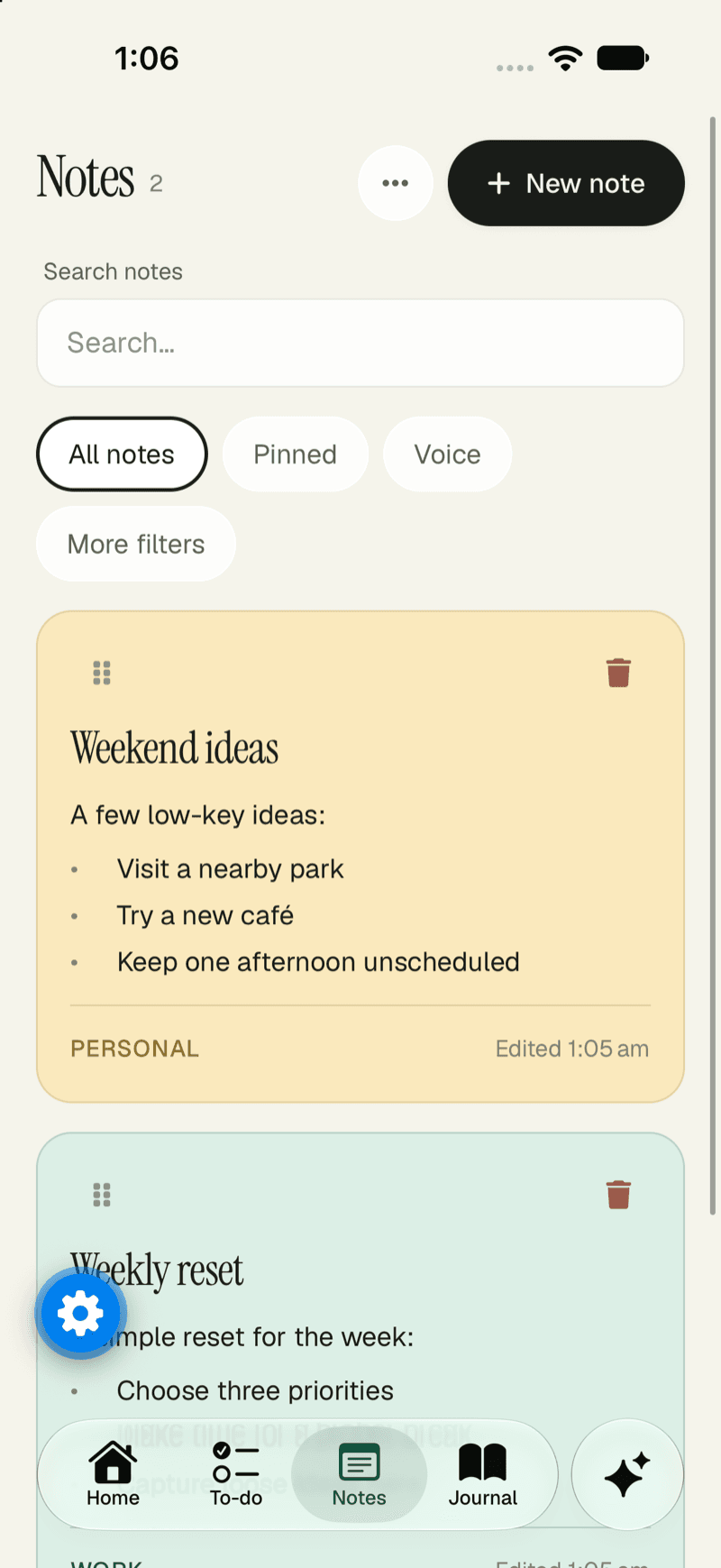
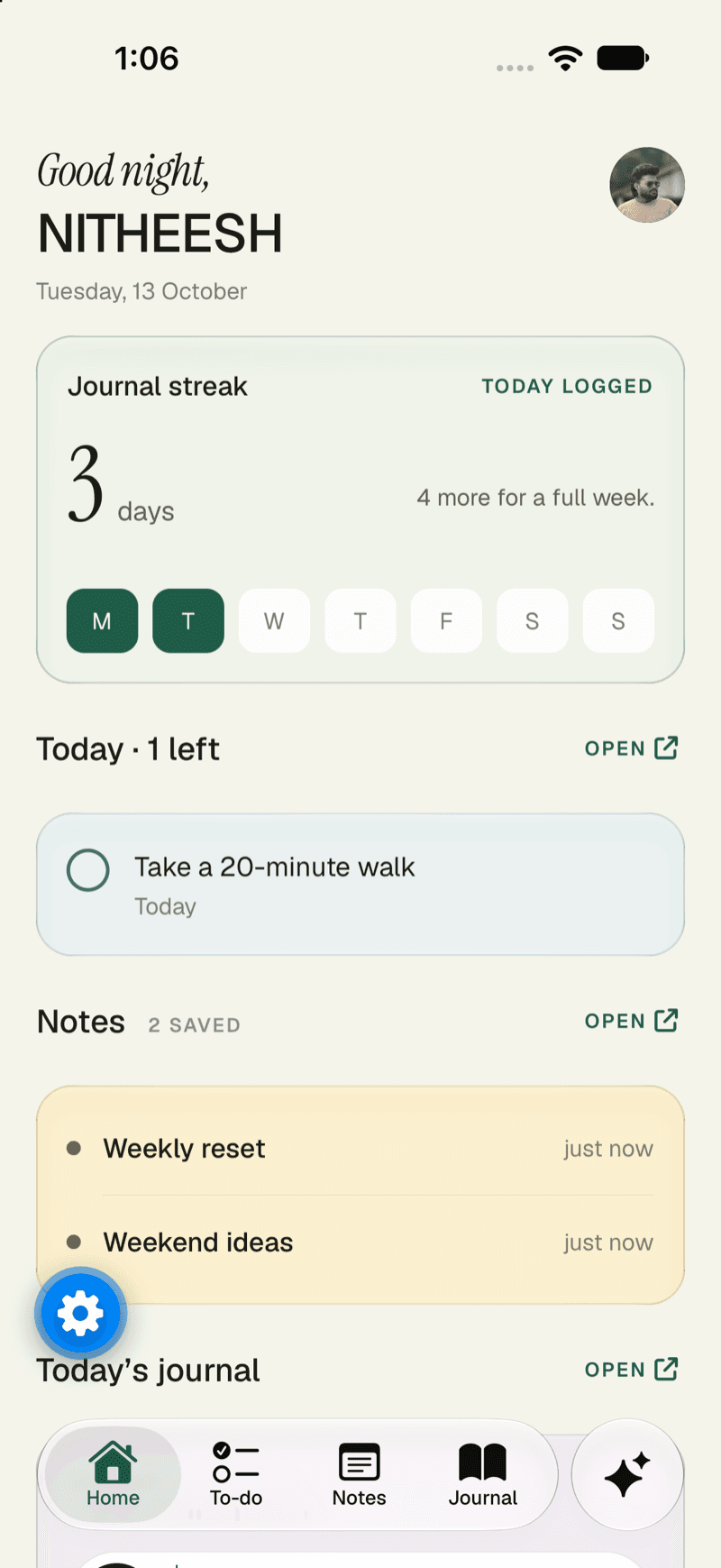
Notes, tasks, journal and chat in your pocket. Get the Android app today, and use the web app anywhere else.

Choose your device
Wherever you keep your day.
Android
LiveNaazhi, one tap away.
- Quick notes, tasks and journal entries on the go
- Voice notes you can record in one tap
- Your workspace, in sync with the web
Version v5.3.0 · 11 November 2026
Download APKiPhone and iPad
Coming soonOn the App Store, soon.
- The same workspace on your iPhone and iPad
- Notes, tasks and journal in a couple of taps
- In sync with the web and Android
Web
LiveNothing to install.
- Open Naazhi in any modern browser
- Works at phone width and on a big screen
- The same account everywhere
Mac
Coming soonNaazhi on your Mac.
- The whole workspace in its own window
- Quick capture from anywhere on your computer
- In sync with the web and your phone
Windows
Coming soonNaazhi on your PC.
- The whole workspace in its own window
- Quick capture from anywhere on your computer
- In sync with the web and your phone
Browser extension
Coming soonEvery meeting, written down.
- Record a meeting in your browser and get a transcript
- It lands in a Naazhi note, where you can read and edit it
- Share it and turn action items into tasks
Android
Install it in three steps.
It takes about a minute. No account with a store needed.
Download the app
Open the latest release on GitHub and download the Android file (the one ending in .apk).
- Always the newest version
- Every release is listed in the changelog
Open the file
Tap the download. Android may ask you to allow installs from your browser or Files app, because the app isn’t in the Play Store yet.
- You can switch that permission off again afterwards
- Only install apps you trust
Sign in and go
Open Naazhi and sign in with your passkey, Google or username. Your notes, tasks and journal are already there.
- Same account as the web app
- Synced between your devices
In the app
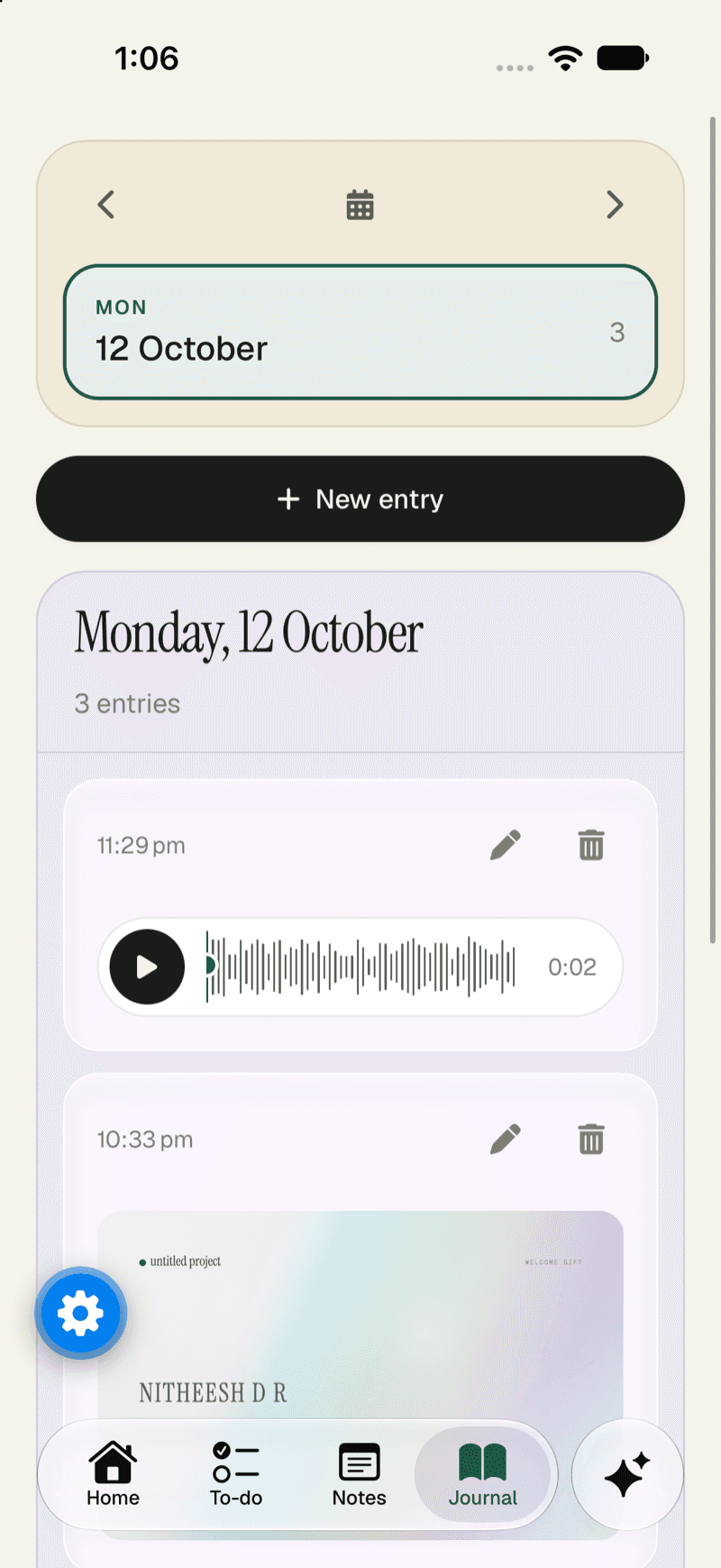
The whole workspace, in your hand.
Everything you use on the web, laid out for a thumb. The same account, the same data, always in sync.
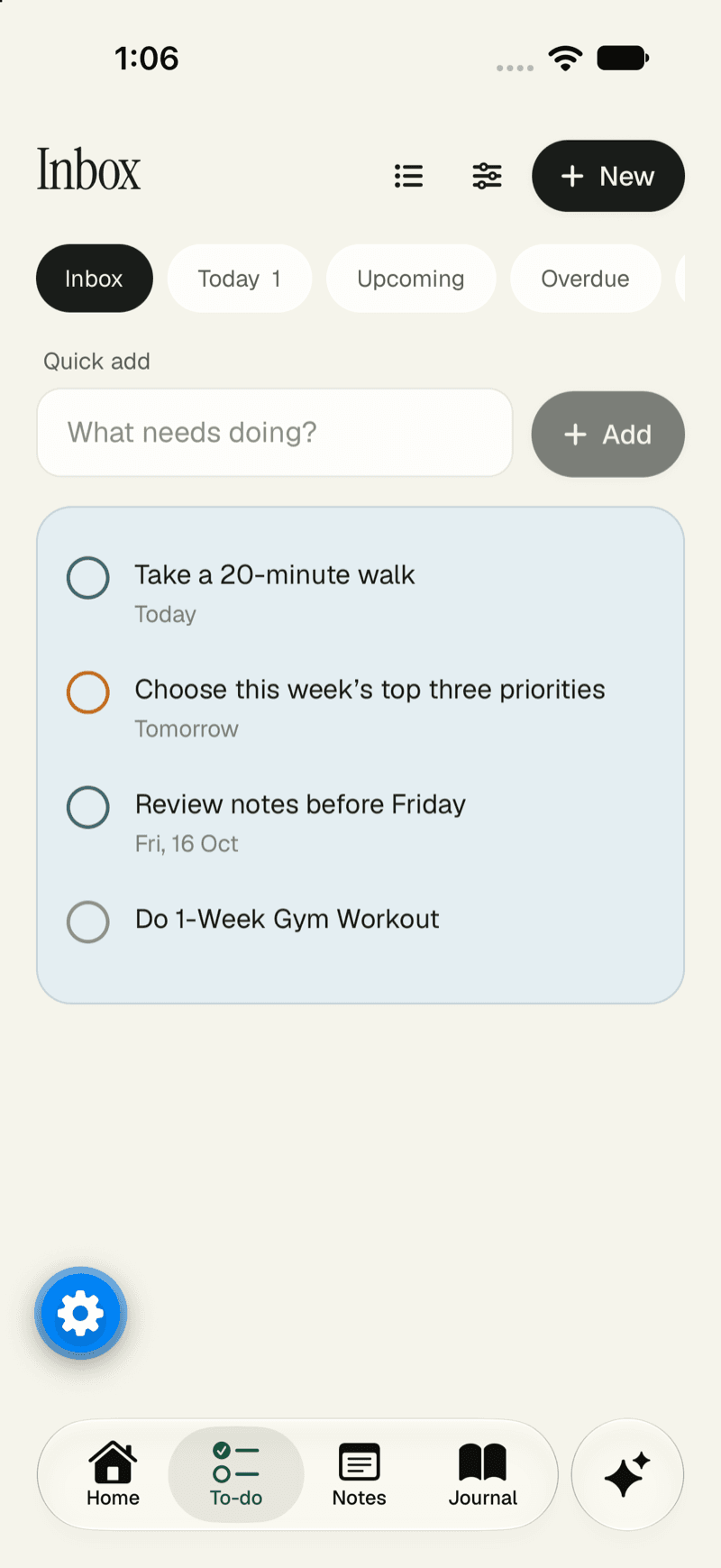
- Notes and tasksCapture a thought or tick something off in a couple of taps.
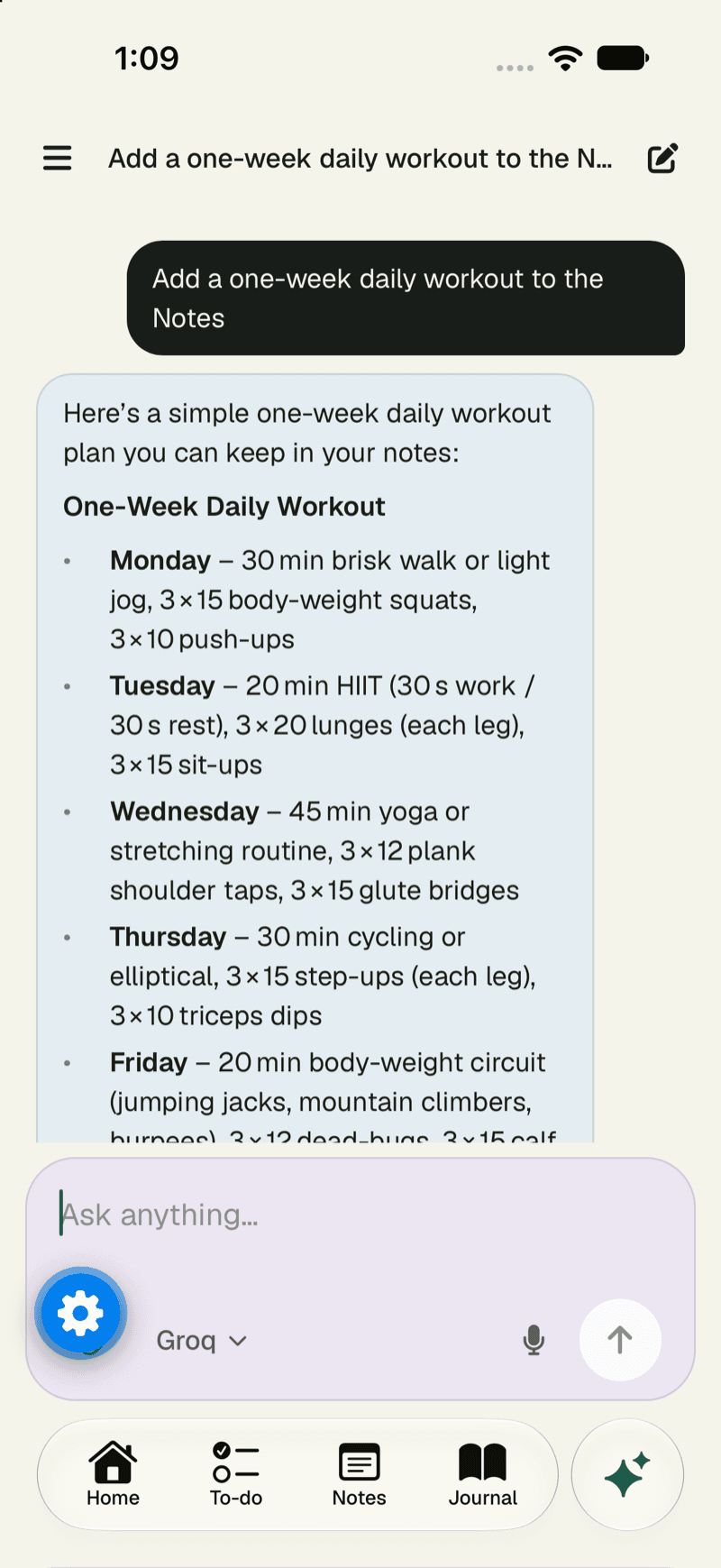
- Dictate anythingSpeak a note or a journal entry and watch it become text.
- A private journalWrite as often as you like. It stays private to you.
- RemindersNotifications for what’s due, so nothing slips by.
Good to know
Built for every screen.
Phones
The calendar opens on the agenda and every screen works at phone width.
Tablets
Roomier layouts on larger screens, with the same shortcuts and views.
Updates
New versions are published on the releases page and listed in the changelog.
Download FAQ
Straight answers.
How do I update the app?
Download the newest file from the releases page and open it over the version you have. Your data stays in your account. Each version is listed in the changelog.
Is the app free?
Yes. The workspace itself is free to use. You only pay if you choose a plan for AI. See the pricing page for the details.
Why isn’t it in the Play Store?
Not yet. For now the Android app is a direct download from our GitHub releases. We’ll add the store listing here when it exists.
Is the APK safe to install?
It’s built from this project’s own repository and published on its releases page. As with any app outside a store, only download it from that page.
When is the iPhone app coming?
It’s in the plans and marked “Coming soon” here. We won’t say it’s available until you can actually install it.
What about Mac, Windows and a browser extension?
They’re planned and marked “Coming soon” here. Until they exist, the web app works in any browser on a Mac or a Windows PC.
Do I need the app to use Naazhi on my phone?
No. The web app is built mobile-first and works at phone width. The Android app adds a home-screen app, notifications and a faster start.
Ready when you are.
Download the Android app, or start in the browser and pick it up on your phone later.