 Naazhi
How it works
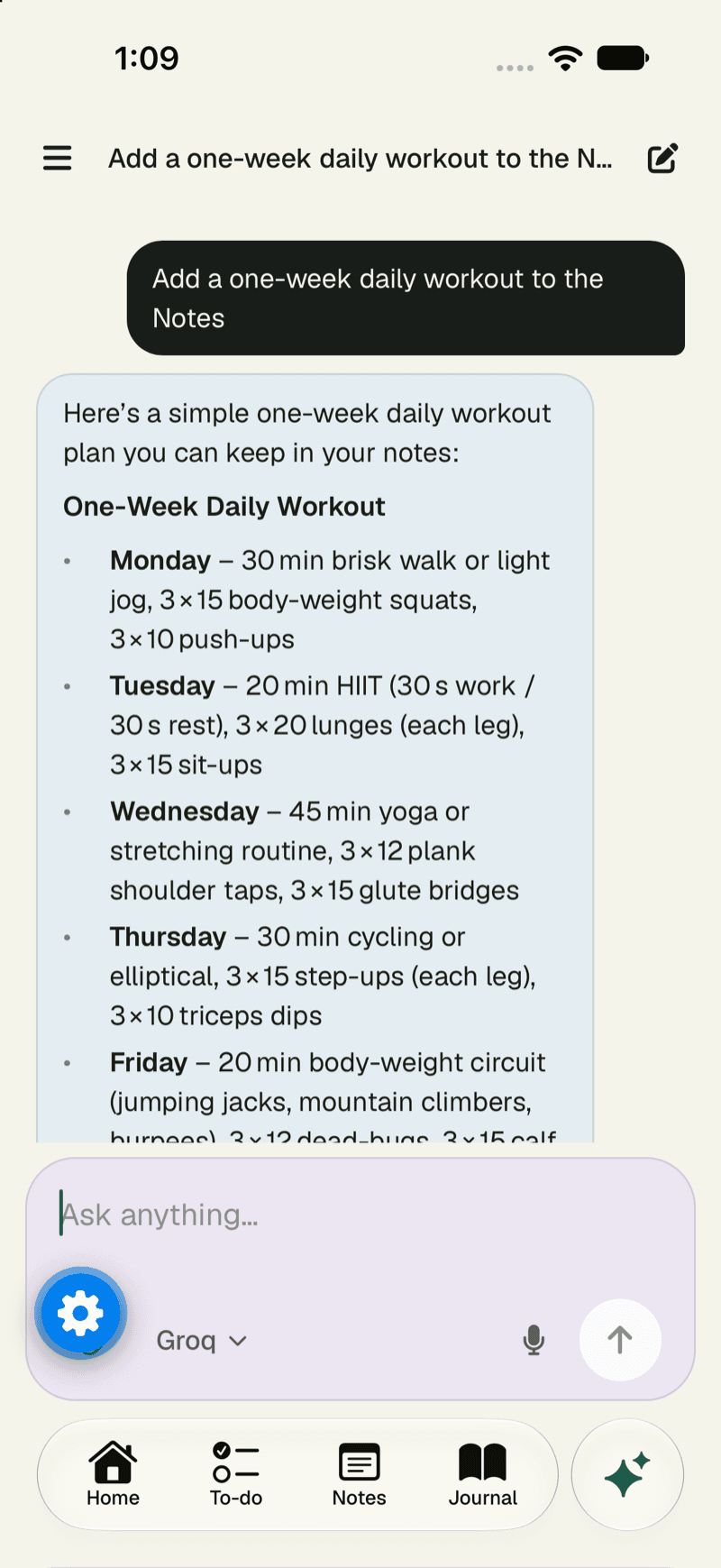
One workspace. Any AI, or none.
Naazhi brings your notes, tasks, journal, calendar and chat together, with email and meetings on the way, and keeps all of it separate from whichever AI you choose to use.

In four steps
From scattered apps to one calm place.
Bring your work in
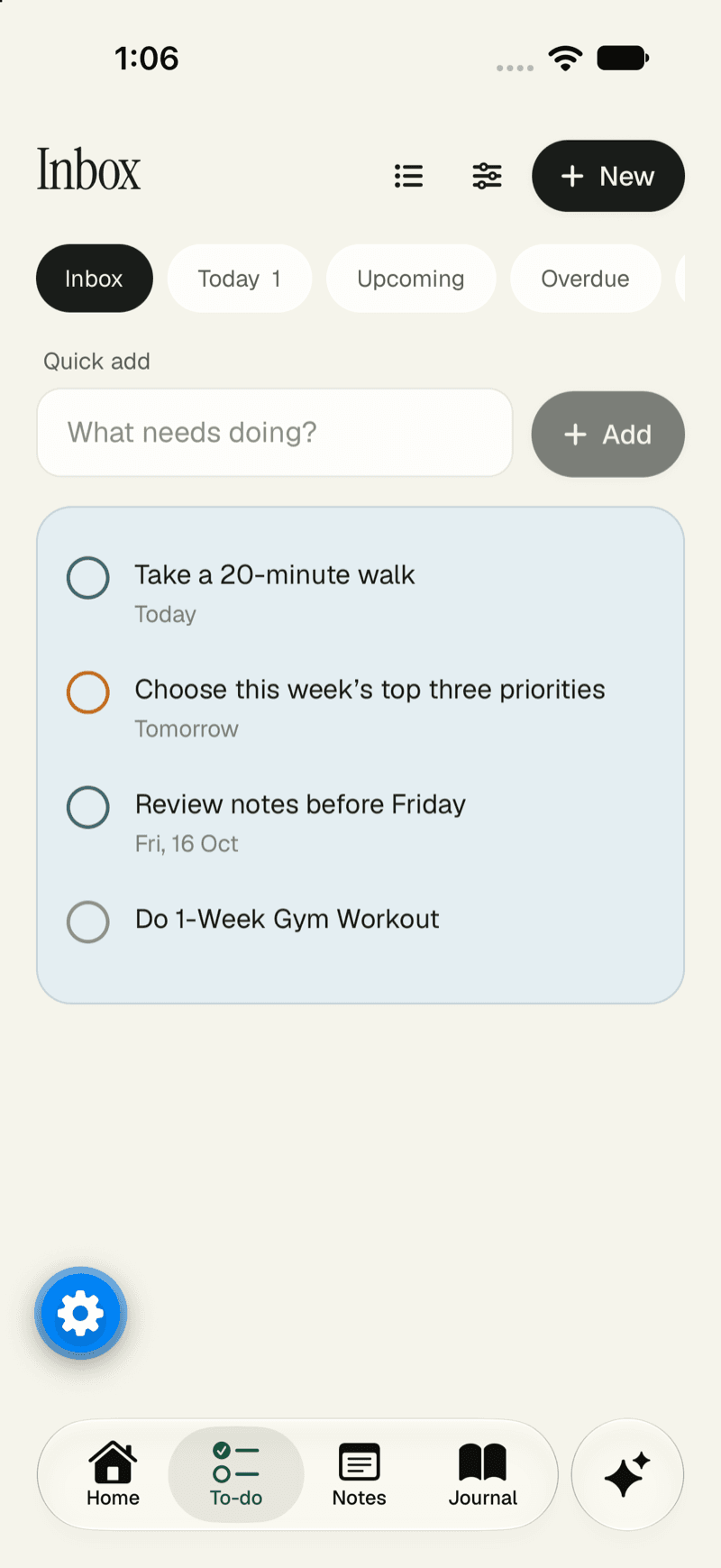
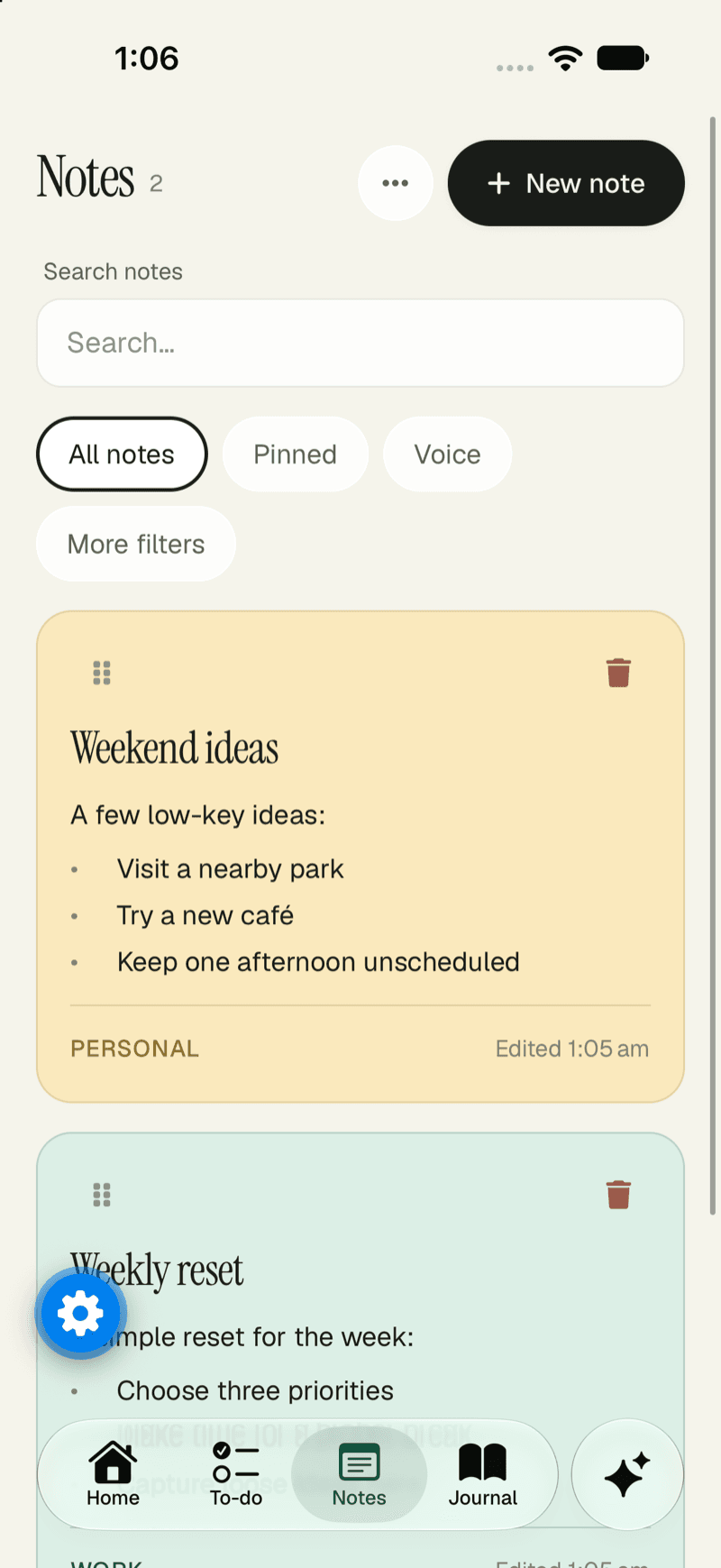
Start with notes, tasks and a journal. Import what you already have, and take it all with you whenever you need to.
- Rich notes with slash commands and voice
- Import and export
- Everything stays yours
Connect your tools
Connect Gmail and Google Calendar so the conversations and plans that matter live next to your notes, not in separate apps.
- Google connections are the first to arrive
- More integrations coming soon
- Multiple accounts with Pro
Work in one place
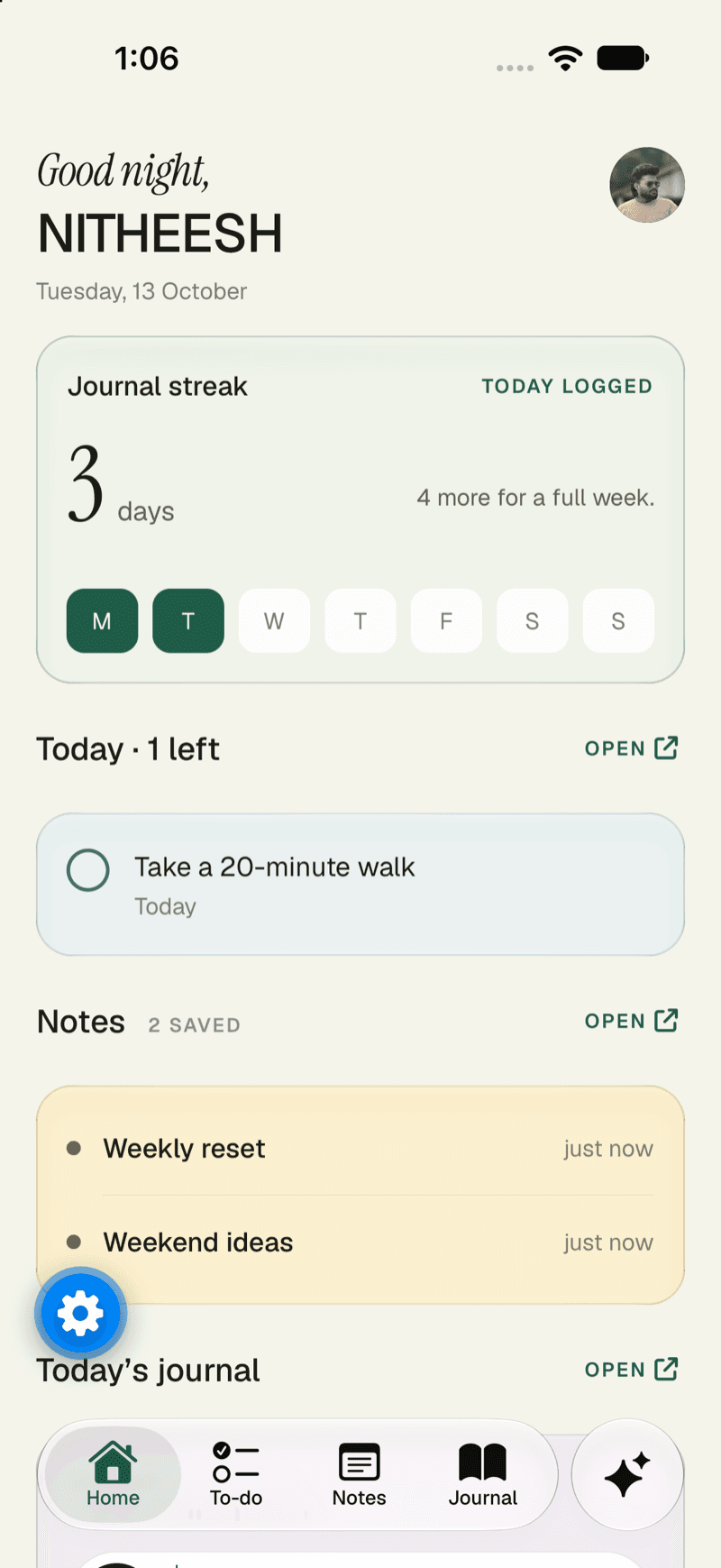
Plan your week, tick off tasks, keep a journal and search it all together, with the context kept in one place instead of scattered.
- Tasks on the calendar
- One search across everything
- Email, meetings and automations on the way
Add AI only if you want it
Use a supported AI account, bring your own API key, or top up only when you need it. Or keep the workspace fully AI-free. Switch any time.
- Bring your own API key
- Pay for usage when you need it
- AI-free mode, always available
A day with it
What a day looks like.
No grand routine required. Here is how the pieces fit into an ordinary day.
See the day
Open Home for today’s tasks, and the calendar for what is on.
Capture without breaking flow
Press Q to add a task, or speak a note instead of typing it.
Find the thing
Press ⌘K and search tasks, notes, journal and chats at once.
Close the day
Write a journal entry, privately, and let tomorrow’s tasks wait their turn.
The principle
Your AI can change. Your workspace shouldn’t.
Try a new model. Switch providers. Change what powers your AI. Your notes, tasks, journal and everything you’ve built stay exactly where they are.
What you get
Everything a day needs, in one flow.
Think and write
Notes and a private journal, with voice and attachments.
Plan and do
Tasks with priorities and repeats, on a calendar you can read at a glance.
Ask, with your OK
An assistant that drafts things and waits for you to confirm.
Choose your AI
Bring your own key, pay as you go, or use none.
See it in action.
Click around a working preview of the workspace. No sign-up needed.