 Naazhi
Privacy & Security
Your workspace stays yours.
Your notes, journal and mail are personal. Naazhi is designed so that you decide what connects, whether AI is involved at all, and how to take your work with you.
Principles
Control is the default.
Workspace separate from AI
Your content lives in your workspace, not inside an AI provider. Change models or providers and nothing moves.
AI-free mode
Use AI when it helps, or keep the workspace fully AI-free. Nothing is sent to a model you haven’t chosen.
Bring your own key
Connect your own API key and provider directly, so you stay in control of that relationship.
You choose what connects
Gmail, Google Calendar and other tools are connected by you, one at a time, and only the ones you pick.
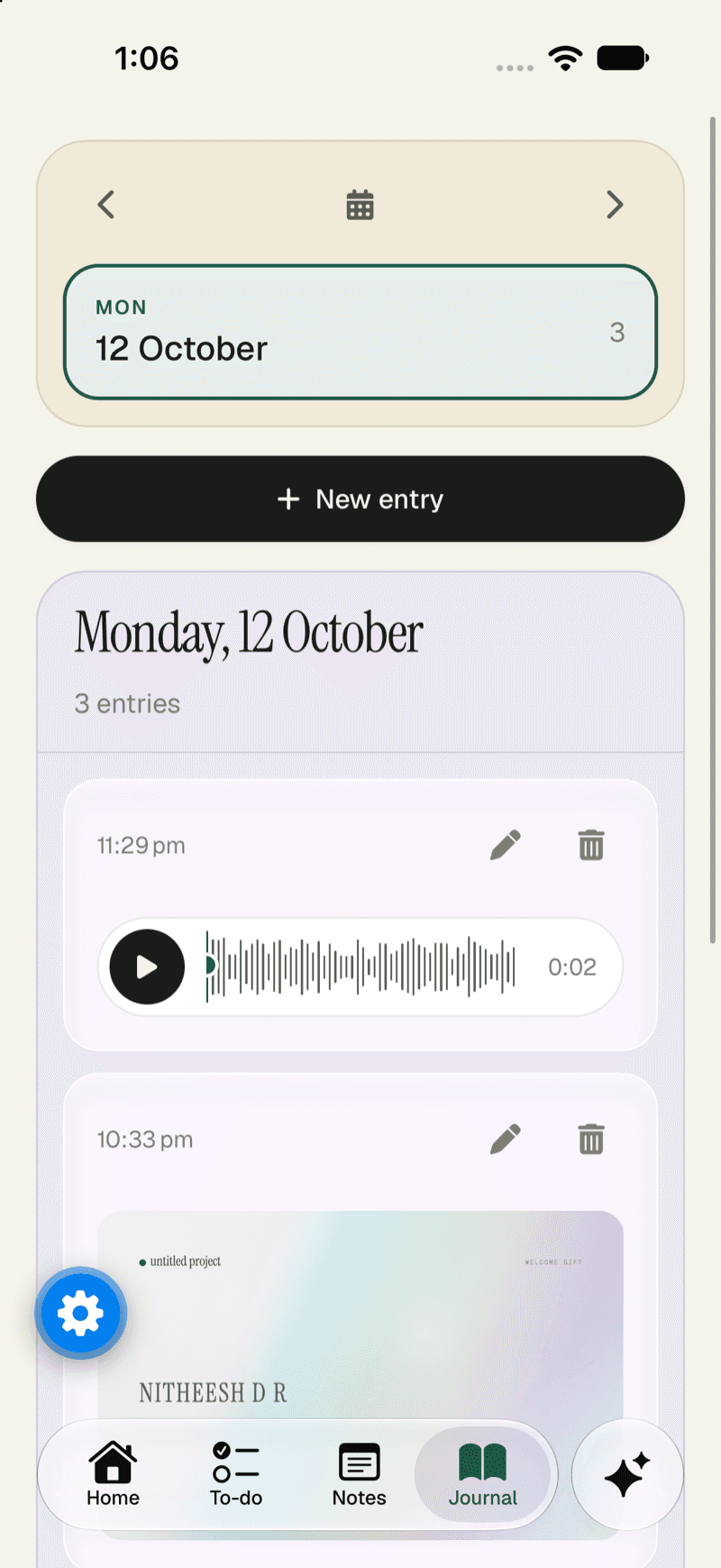
A journal that’s private
Your journal is a private record of your days, kept separate from the rest of the workspace.
Take your work with you
Import and export are built in, so you’re never locked in.
Your account
Signing in, done carefully.
The ways to sign in today, and what protects them. Hover a card for the detail.
Passkeys
Sign in with your fingerprint, face or device, with no password to leak.
Google or email
Continue with Google (including One Tap), or use a username and password.
Safe password resets
Six-digit codes that expire in five minutes, stored hashed, with limited attempts.
A private journal
Your journal entries belong to you alone, even inside a shared workspace.
Protected at the database
Every table has row-level security, so the database itself checks who may see a row.
Export and delete
Export your data, reset your workspace, or delete your account and its files.
Who can see what
Plainly, in a table.
No vague promises. For each kind of data, who can see it and why.
| What | Who can see it | Good to know |
|---|---|---|
| Your notes, tasks and chats | You | Protected by row-level security in the database, not only by the interface. |
| Your journal | Only you | Private to its author, even in a shared workspace. |
| A chat you share | Anyone with the link | A read-only page on an unguessable link. Stop sharing and the link stops working at once. |
| Your uploaded files | You | Kept in private storage and opened through short-lived signed links. |
| Admins of the service | Counts and ids, never content | Admin tools are built so they cannot show your notes, journal or chats. Admin actions are logged. |
| An AI provider | Only what you send it | Nothing goes to a model you haven’t chosen. In AI-free mode nothing goes at all. |
In the open
Security details, published before launch.
We don’t make security claims we haven’t documented. Before launch we’ll publish how data is stored and protected, which permissions each connection asks for, and how long anything is kept.
- How your data is stored and protected
- Permissions requested by each integration
- Data retention and deletion
- How AI providers are called, and what they receive
Questions about your data?
Start with the notes, connect only what you want, and keep AI off until you’re ready.