 Naazhi
Journal
LiveA journal that’s only yours.
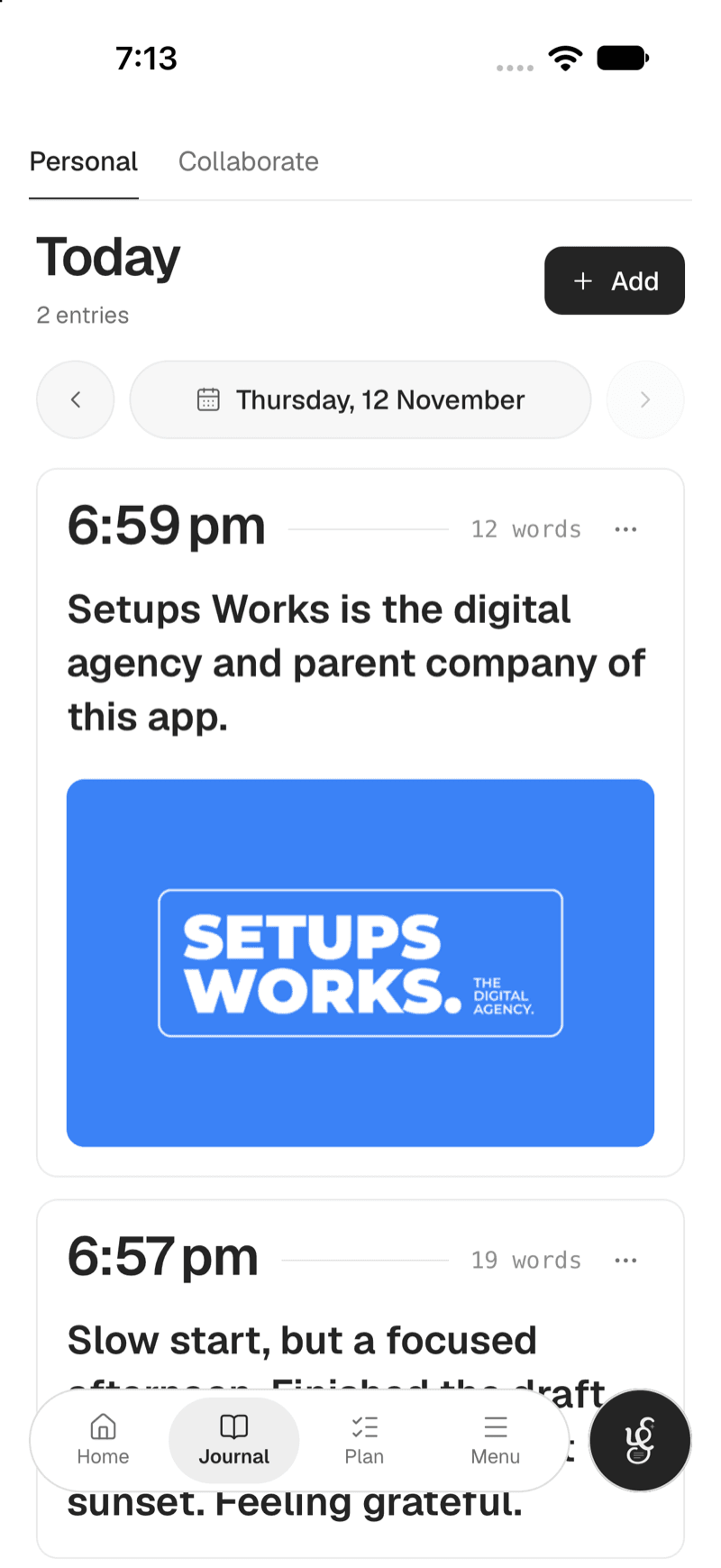
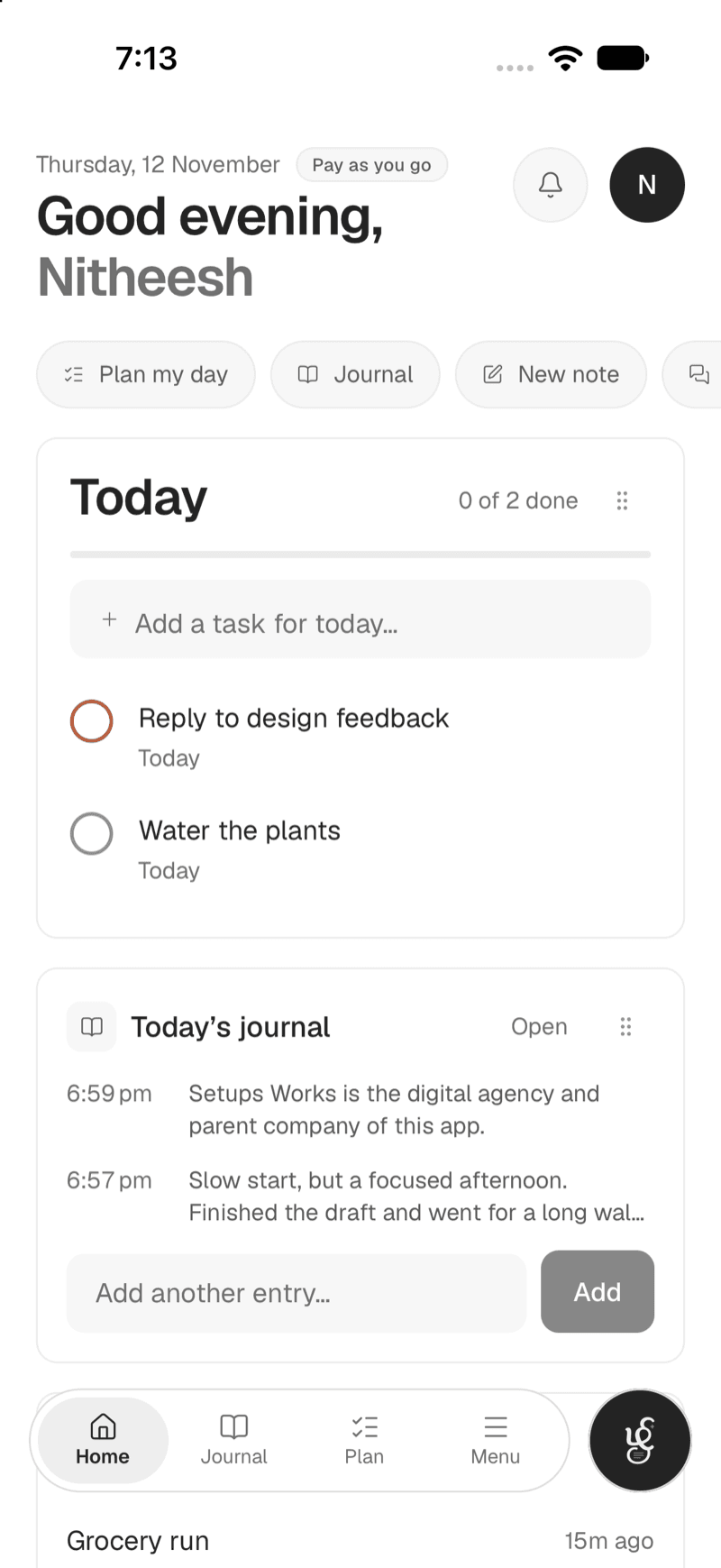
Write as often as you think of something, by typing or by voice, and keep photos and files with the entry. It is private to you. When you want company, start a shared journal.

What you get
Journal, done properly.
Many entries a day
Write as often as you think of something.
Private to you
Your journal is kept apart from the rest of the workspace.
Voice and attachments
Dictate an entry or attach a photo or file.
Browse by calendar
Jump to any day and see what you wrote.
Write together
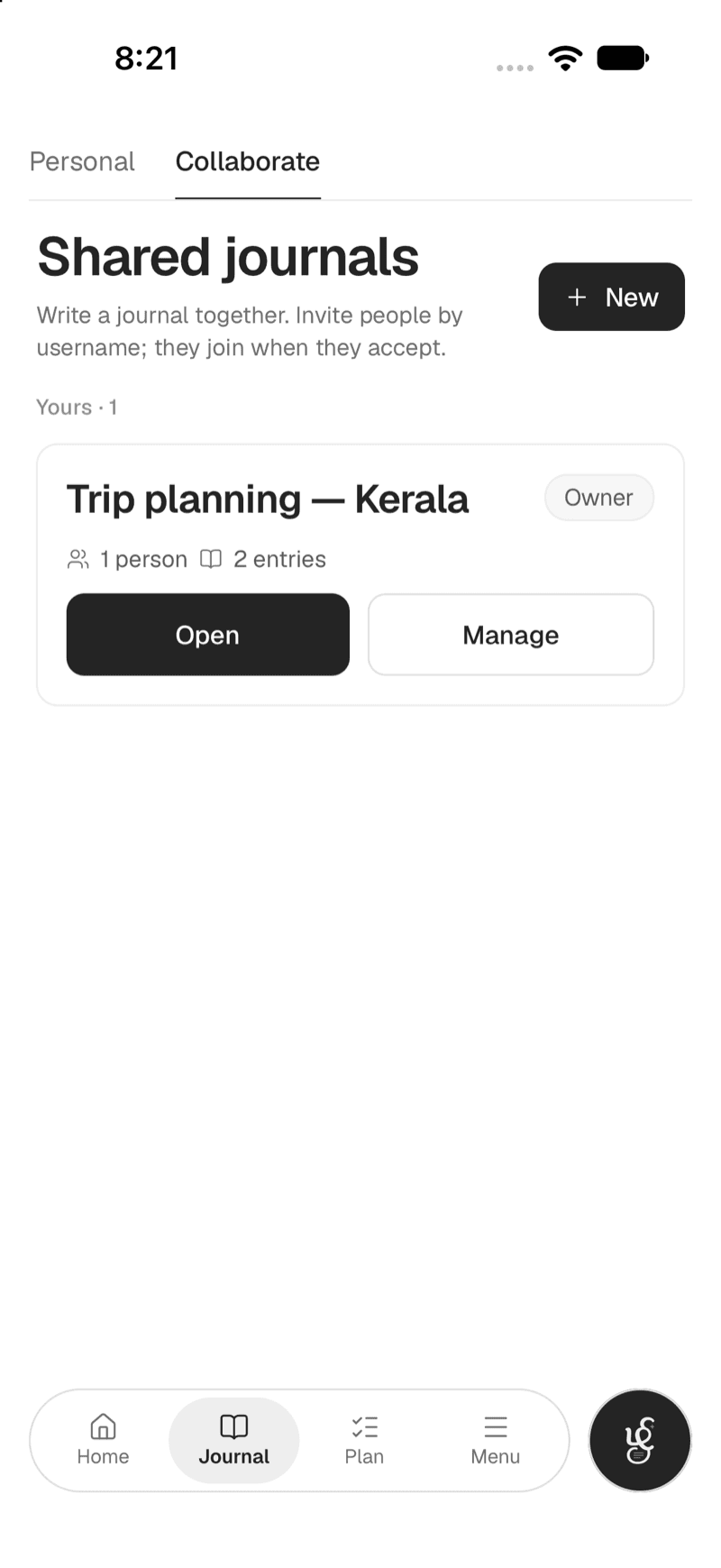
Start a shared journal and write in it with the people you invite.
Editor or viewer
Choose who can write and who can only read. The owner can change it at any time.
Personal
Write it down, as often as you like.
Each entry is stamped with its time, so a day can hold as many as you want. Dictate one, or attach a photo.
- Many entries a day
- Voice and attachments
- Browse by calendar
Shared
A journal you write together.
Start a shared journal for a trip, a project or a family. People join only after they accept, and your personal journal stays private to you.
- Invite by username or email
- Editor or viewer, changeable any time
- Photos and files, and who wrote what
Questions
More answers are on the FAQ page.
Is my journal private?
Yes. Journal entries are private to their author, kept apart from the rest of the workspace.
Can I write a journal with someone else?
Yes. Start a shared journal and invite people by username or email. Each person can be an editor or a viewer, and they join only after they accept. Your personal journal stays private to you.
Can I add photos and voice?
Yes. Dictate an entry, or attach a photo or file to it.
Can I find an old entry?
Yes. Browse by calendar to jump to any day, or search across your journal with ⌘K.
Keep exploring
The rest of the workspace.
Start with journal.
Free to start, with AI only when you want it. Everything you write stays in your workspace.