 Naazhi
Notes
LiveNotes that keep up with you.
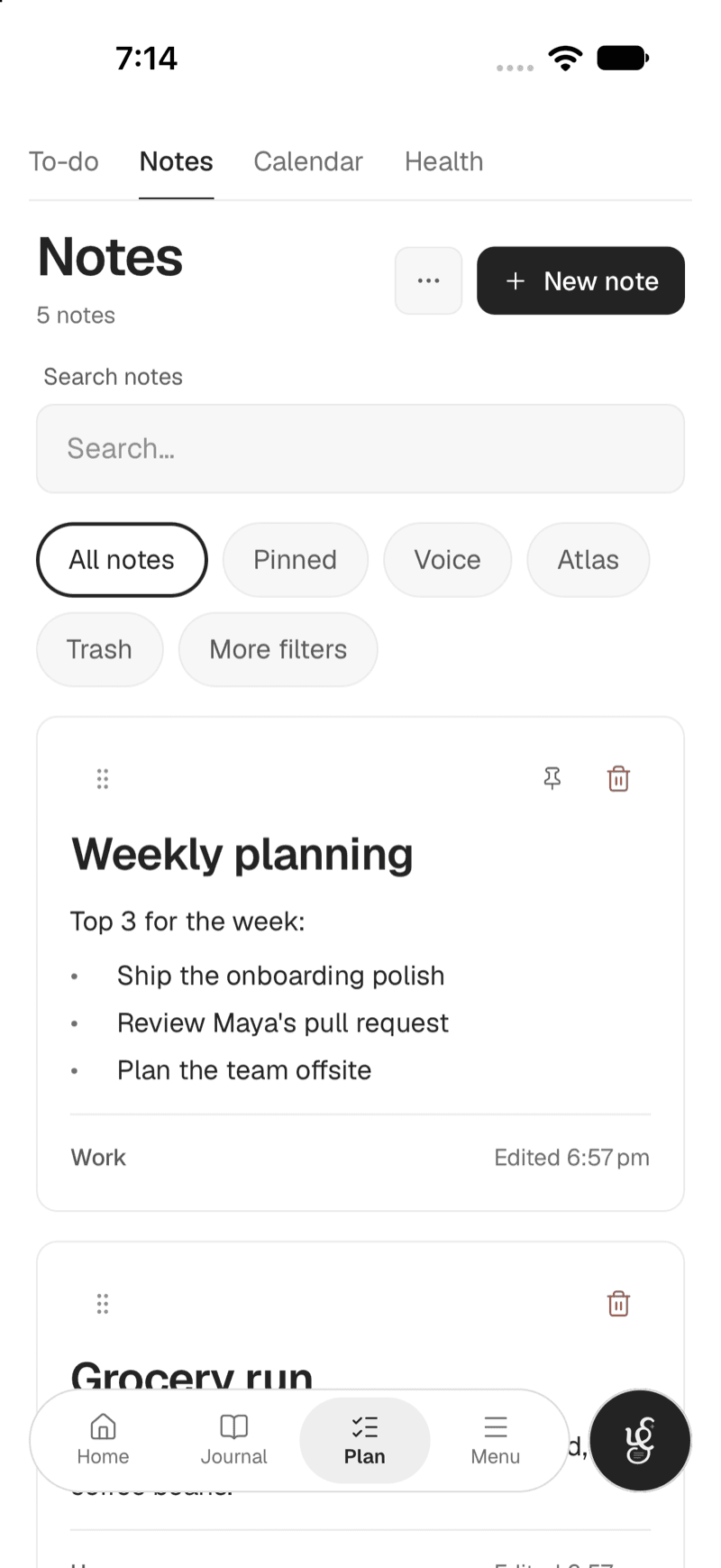
Write with colours and slash commands, dictate instead of typing, and keep the files a note needs inside the note. Every version is kept, and nothing is gone for good until you say so.

What you get
Notes, done properly.
Rich notes
Give each note a colour and drag them into the order you want.
Slash commands
Type / to format as you write, without reaching for a toolbar.
Dictate
Speak and watch it turn into text.
Attachments
Keep the files and images a note needs inside the note.
Version history
Go back to an earlier version whenever you need to.
Export as Markdown
Your notes are yours to take with you, from Settings.
Write
Everything a note needs, in the note.
A note is more than text. Colour it, attach to it, speak into it, and find it again from one search box.
- Colours, slash commands, voice and attachments
- Pin a note to keep it at the top of your Notes
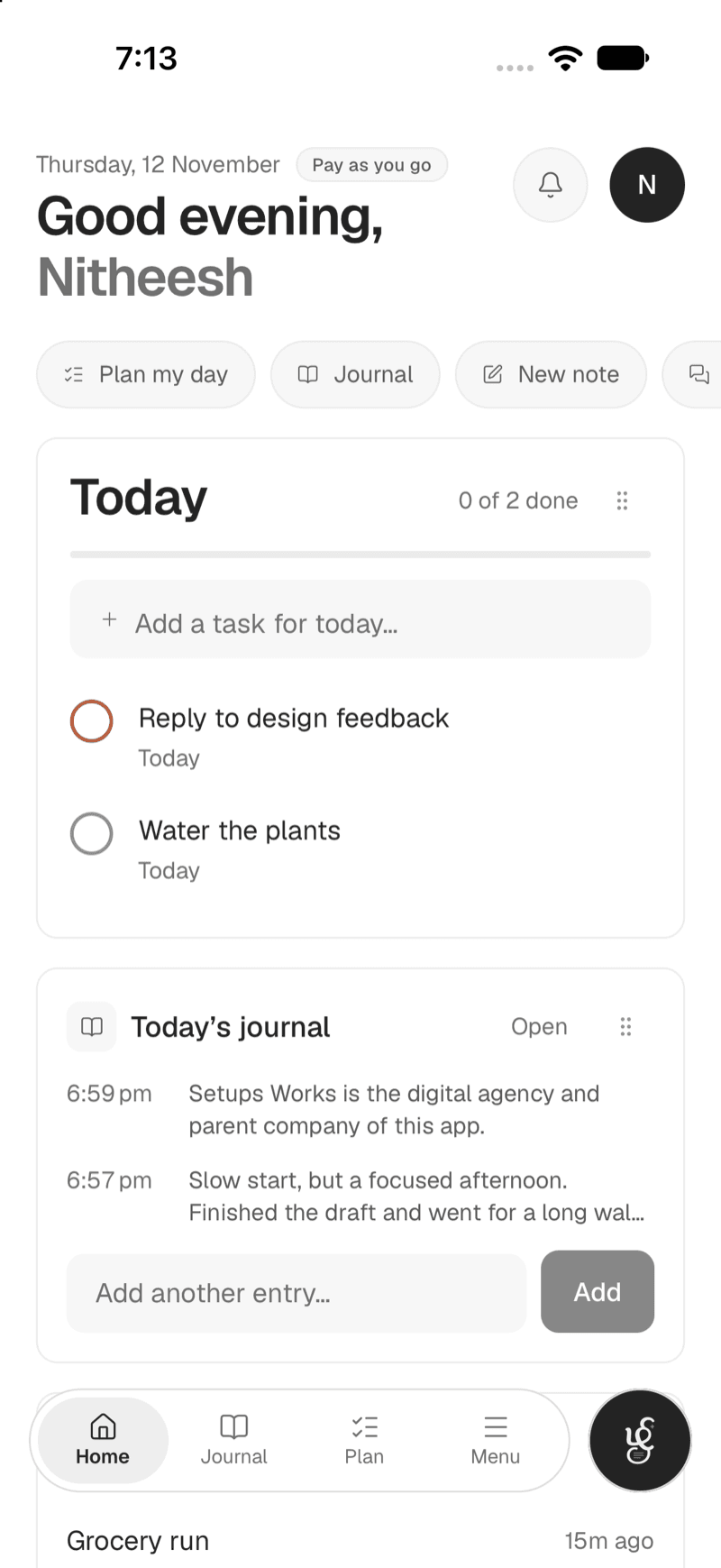
- Search it with ⌘K, together with your tasks, journal and chats
Keep
Nothing is lost, and it can come back.
Deleted notes wait in a Trash you can restore from, and version history lets you step back to an earlier draft.
- A Trash you can restore from
- Version history for every note
- An Atlas that maps how your notes connect
- Bring an Obsidian vault in, and export as Markdown
Questions
More answers are on the FAQ page.
Can I get an older version of a note back?
Yes. Version history lets you go back to an earlier version whenever you need to, and deleted notes wait in a Trash you can restore from.
Can I bring my existing notes in, and take them out again?
Yes. Bring an Obsidian vault in as notes (folders stay folders, and duplicates are skipped), and export your notes as Markdown from Settings. Importing from Notion is planned.
Can I write notes by voice?
Yes. Dictate a note and watch it turn into text, instead of typing.
What is the Atlas?
A map of how your notes connect, so you can see what a note links to and what links back to it.
Keep exploring
The rest of the workspace.
Start with notes.
Free to start, with AI only when you want it. Everything you write stays in your workspace.